> ## Documentation Index
> Fetch the complete documentation index at: https://docs.anyfast.ai/llms.txt
> Use this file to discover all available pages before exploring further.
# Wan3.0 Video
> Generate videos up to 30 seconds long with Wan3.0 using text, first and last frames, multimodal media, files, and webpages.
Wan3.0 Video is Alibaba's all-in-one video generation model for text-to-video, first-frame and first-and-last-frame generation, multimodal references, and file or webpage references. Use the AnyFast model ID `wan3.0-video` with `POST /v1/video/generations`.
For specific content requests, select `wan3.0-video-nsfw` under the `Direct` resource group. This NSFW variant is an AnyFast-specific model ID; it is not an official Alibaba Cloud model.
## Key capabilities
* Generate videos from a prompt, media, or both. At least one of `input.prompt` and `input.media` is required.
* Guide a video with a first frame or with both first and last frames.
* Combine up to 10 reference images, 5 reference videos, and 5 reference audio clips.
* Let the model understand a document, presentation, spreadsheet, text file, or public webpage before generating the video.
* Generate up to 30 seconds of 30 fps video, with synchronized audio enabled by default.
* Let the model select duration and composition with `duration: -1` and `ratio: "adaptive"`.
| Capability | Input | Main limits |
| ------------------------- | ----------------------------------------------------------- | ------------------------------------------------------------------ |
| Text to video | `input.prompt` only | Prompt content beyond 20,000 characters is automatically truncated |
| First frame | One `first_frame` image | Cannot be combined with reference media, `file`, or `link` |
| First and last frames | One `first_frame` and one `last_frame` image | Cannot be combined with reference media, `file`, or `link` |
| Multimodal reference | `reference_image`, `reference_video`, and `reference_audio` | 10 images, 5 videos, and 5 audio clips |
| File or webpage reference | One `file` or one `link` | `file` and `link` are mutually exclusive |
## Capability examples
Alibaba Cloud's official page provides the input media below but does not publish output videos for these examples. Treat them as upstream input examples, not as results reproduced through AnyFast.
Supply `input.prompt` without `input.media`. Describe the subject, action, setting, camera movement, visual style, and desired sound. Prompt content beyond 20,000 characters is automatically truncated.
This workflow supports `duration` values from 2 to 30 seconds, as well as `-1` for smart duration selection.
Add one image with `type: "first_frame"` to anchor the opening frame. A prompt is optional when media is present, but it helps define motion, camera behavior, and audio.
 Do not combine `first_frame` with `reference_image`, `reference_video`, `reference_audio`, `file`, or `link`.
Add one `first_frame` followed by one `last_frame`. The two images define the starting and ending compositions; the prompt should explain the action and transition between them.
Do not combine `first_frame` with `reference_image`, `reference_video`, `reference_audio`, `file`, or `link`.
Add one `first_frame` followed by one `last_frame`. The two images define the starting and ending compositions; the prompt should explain the action and transition between them.
 This frame-guided mode is exclusive. Do not add reference media, a file, or a webpage link to the same request.
Combine reference images, videos, and audio to control identity, objects, movement, setting, and sound. Refer to media by type and order, such as `Image 1`, `Video 1`, and `Audio 1`.
This frame-guided mode is exclusive. Do not add reference media, a file, or a webpage link to the same request.
Combine reference images, videos, and audio to control identity, objects, movement, setting, and sound. Refer to media by type and order, such as `Image 1`, `Video 1`, and `Audio 1`.
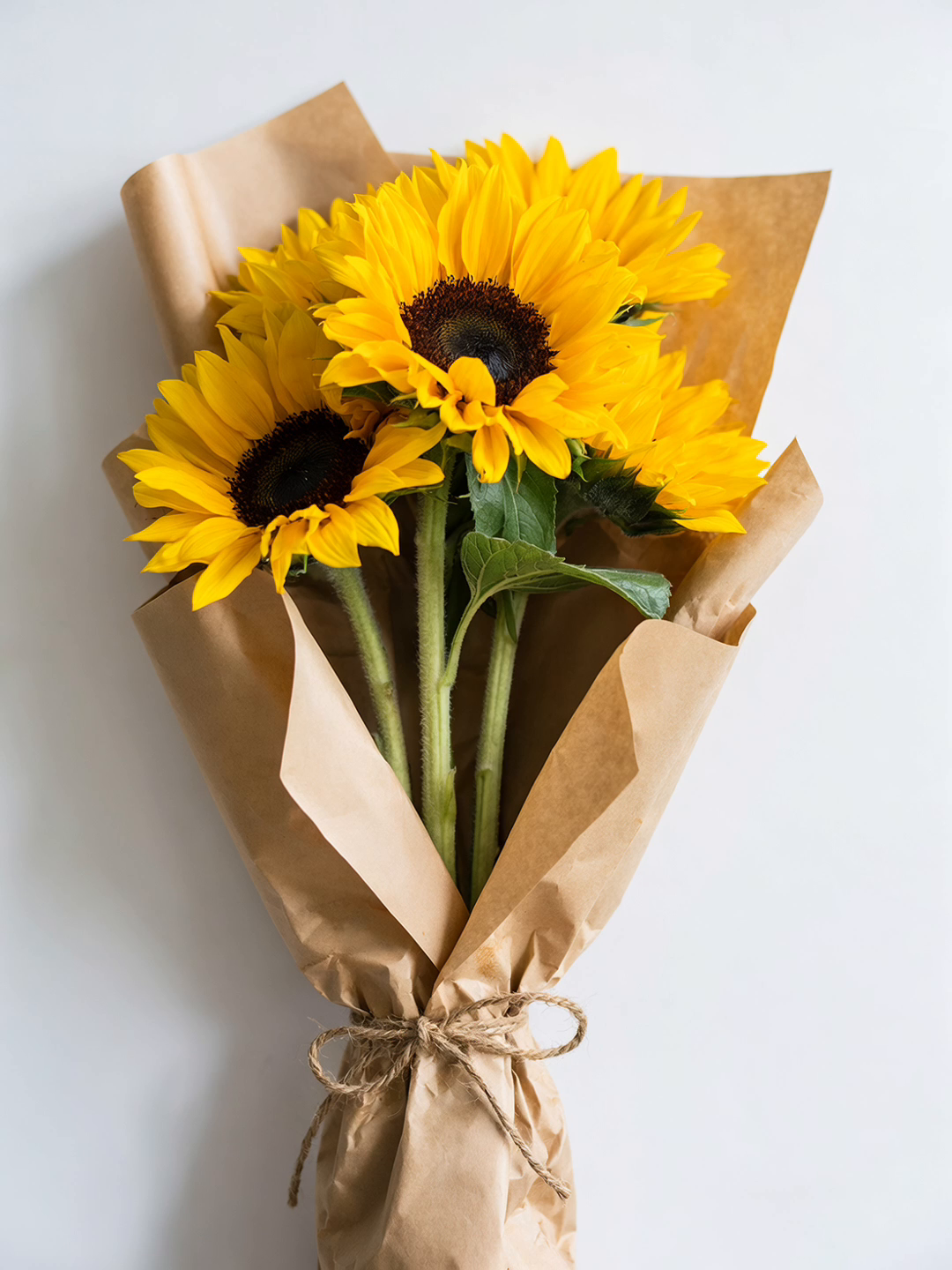
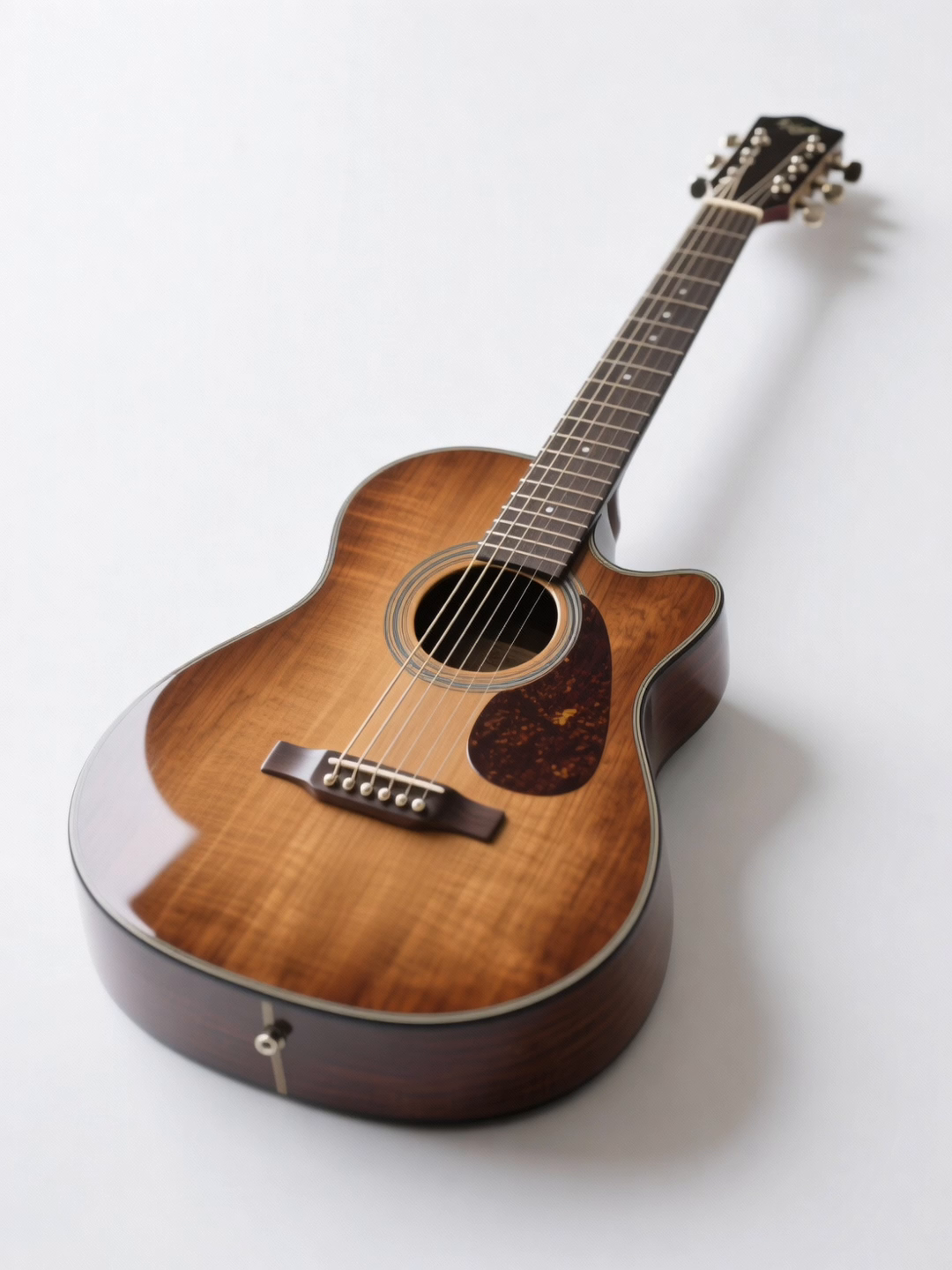
 Reference videos may total up to 15 seconds, and reference audio clips have a separate 15-second total limit.
Use `type: "file"` to let the model understand an uploaded document or `type: "link"` to reference a public, no-login webpage. Only one file or one link is allowed, and the two types cannot appear together.
Download the presentation used as the official Wan3.0 file-reference input.
The official page does not provide the generated video for this presentation.
## Create a task
```bash cURL theme={null}
curl --request POST \
--url https://www.anyfast.ai/v1/video/generations \
--header 'Authorization: Bearer YOUR_API_KEY' \
--header 'Content-Type: application/json' \
--data '{
"model": "wan3.0-video",
"input": {
"prompt": "A small cat runs across moonlit rooftops while distant city neon flickers, cinematic lighting and a smooth tracking shot."
},
"parameters": {
"resolution": "1080P",
"ratio": "16:9",
"duration": 5,
"audio": true,
"seed": 42,
"watermark": false
}
}'
```
```bash cURL theme={null}
curl --request POST \
--url https://www.anyfast.ai/v1/video/generations \
--header 'Authorization: Bearer YOUR_API_KEY' \
--header 'Content-Type: application/json' \
--data '{
"model": "wan3.0-video",
"input": {
"prompt": "The graffiti character comes alive and performs an energetic English rap beneath a railway bridge at night. The camera pushes in smoothly.",
"media": [{
"type": "first_frame",
"url": "https://help-static-aliyun-doc.aliyuncs.com/file-manage-files/zh-CN/20250925/wpimhv/rap.png"
}]
},
"parameters": {
"resolution": "1080P",
"ratio": "adaptive",
"duration": 8,
"audio": true,
"watermark": false
}
}'
```
```bash cURL theme={null}
curl --request POST \
--url https://www.anyfast.ai/v1/video/generations \
--header 'Authorization: Bearer YOUR_API_KEY' \
--header 'Content-Type: application/json' \
--data '{
"model": "wan3.0-video",
"input": {
"prompt": "The girl changes from a gentle smile to a joyful laugh while the camera holds a natural close-up.",
"media": [
{"type": "first_frame", "url": "https://help-static-aliyun-doc.aliyuncs.com/file-manage-files/zh-CN/20250925/wpimhv/rap.png"},
{"type": "last_frame", "url": "https://help-static-aliyun-doc.aliyuncs.com/file-manage-files/zh-CN/20260408/sjuytr/wan-r2v-object-girl.jpg"}
]
},
"parameters": {
"resolution": "1080P",
"ratio": "adaptive",
"duration": 8,
"audio": true,
"watermark": false
}
}'
```
```bash cURL theme={null}
curl --request POST \
--url https://www.anyfast.ai/v1/video/generations \
--header 'Authorization: Bearer YOUR_API_KEY' \
--header 'Content-Type: application/json' \
--data '{
"model": "wan3.0-video",
"input": {
"prompt": "Video 1 holds Image 3 and performs on the chair from Image 4. Image 1 walks past carrying Image 2. Pace the scene to Audio 1.",
"media": [
{"type": "reference_image", "url": "https://help-static-aliyun-doc.aliyuncs.com/file-manage-files/zh-CN/20260408/sjuytr/wan-r2v-object-girl.jpg"},
{"type": "reference_video", "url": "https://help-static-aliyun-doc.aliyuncs.com/file-manage-files/zh-CN/20260129/qigswt/wan-r2v-role2.mp4"},
{"type": "reference_image", "url": "https://help-static-aliyun-doc.aliyuncs.com/file-manage-files/zh-CN/20260129/rtjeqf/wan-r2v-object3.png"},
{"type": "reference_image", "url": "https://help-static-aliyun-doc.aliyuncs.com/file-manage-files/zh-CN/20260129/qpzxps/wan-r2v-object4.png"},
{"type": "reference_image", "url": "https://help-static-aliyun-doc.aliyuncs.com/file-manage-files/zh-CN/20260129/wfjikw/wan-r2v-backgroud5.png"},
{"type": "reference_audio", "url": "https://example.com/country-ballad.mp3"}
]
},
"parameters": {
"resolution": "1080P",
"ratio": "adaptive",
"duration": 5,
"audio": true,
"watermark": false
}
}'
```
Use one `file` item:
```bash cURL theme={null}
curl --request POST \
--url https://www.anyfast.ai/v1/video/generations \
--header 'Authorization: Bearer YOUR_API_KEY' \
--header 'Content-Type: application/json' \
--data '{
"model": "wan3.0-video",
"input": {
"prompt": "Create a concise, futuristic product advertisement from the presentation, highlighting the design, materials, and core features.",
"media": [{
"type": "file",
"url": "https://help-static-aliyun-doc.aliyuncs.com/file-manage-files/zh-CN/20260806/ebapmr/glass.pptx"
}]
},
"parameters": {
"resolution": "1080P",
"ratio": "16:9",
"duration": 10,
"audio": true,
"watermark": false
}
}'
```
Or replace it with one public webpage:
```bash cURL theme={null}
curl --request POST \
--url https://www.anyfast.ai/v1/video/generations \
--header 'Authorization: Bearer YOUR_API_KEY' \
--header 'Content-Type: application/json' \
--data '{
"model": "wan3.0-video",
"input": {
"prompt": "Turn the main points on this page into a short explainer video.",
"media": [{
"type": "link",
"url": "https://example.com/public-product-overview"
}]
},
"parameters": {
"resolution": "1080P",
"ratio": "16:9",
"duration": 10,
"audio": true,
"watermark": false
}
}'
```
## How Wan3.0 selects the workflow
Wan3.0 uses the media `type` values to select its generation workflow.
| Workflow | `input.media` contents | Compatibility rules |
| --------------------- | ---------------------------------------------------------------------------------------- | -------------------------------------------------------------- |
| Text to video | Omit `input.media` | `input.prompt` is required |
| First frame | One `first_frame` | Do not add reference media, `file`, or `link` |
| First and last frames | One `first_frame` and one `last_frame` | Do not add reference media, `file`, or `link` |
| Multimodal reference | Any supported combination of `reference_image`, `reference_video`, and `reference_audio` | Cannot be combined with `first_frame` or `last_frame` |
| File reference | At most one `file` | Cannot be combined with `link`, `first_frame`, or `last_frame` |
| Webpage reference | At most one `link` | Cannot be combined with `file`, `first_frame`, or `last_frame` |
`input.prompt` and `input.media` are individually optional, but a request must include at least one of them. When you include media without a prompt, the model infers the generation intent from the media.
## Control the output
| Parameter | Behavior |
| ----------------------- | -------------------------------------------------------------------------------------------------- |
| `parameters.resolution` | `1080P` (default), `720P`, or `480P` |
| `parameters.ratio` | `adaptive` (default), `16:9`, `4:3`, `1:1`, `3:4`, or `9:16` |
| `parameters.duration` | `5` seconds by default; use `-1` for smart duration selection |
| `parameters.audio` | Defaults to `true`; set to `false` to omit the audio track. The price is the same for either value |
| `parameters.seed` | Integer from `0` to `2147483647` |
| `parameters.watermark` | Defaults to `false`; set to `true` to add a watermark |
Resolution values are service tiers rather than fixed width-by-height dimensions. The exact output dimensions vary with the selected aspect ratio.
Without a video input, set `duration` to an integer from 2 to 30 seconds or to `-1`. When a request contains reference video input, the total input-video duration plus output duration must not exceed 30 seconds.
All generated videos use a 30 fps frame rate.
## Input requirements
### Images
These requirements apply to `first_frame`, `last_frame`, and `reference_image` items.
| Property | Requirement |
| ------------- | --------------------------------------------------------------------------------------------------------- |
| Input methods | Public URL or Base64 data URL |
| Formats | JPEG, JPG, PNG without an alpha channel, BMP, or WEBP |
| Dimensions | Each side from 240 to 8,000 px |
| Aspect ratio | Between 1:8 and 8:1 |
| File size | Up to 20 MB per image |
| Count | Up to 10 `reference_image` items; frame-guided requests use one first frame and optionally one last frame |
### Videos
| Property | Requirement |
| ------------ | ---------------------------------------------------------------------- |
| Input method | Public URL |
| Formats | MP4 or MOV |
| Dimensions | Each side from 240 to 4,096 px |
| Aspect ratio | Between 1:8 and 8:1 |
| Duration | 1–15 seconds each; no more than 15 seconds across all reference videos |
| File size | Up to 100 MB per video |
| Count | Up to 5 `reference_video` items |
### Audio
| Property | Requirement |
| ------------ | --------------------------------------------------------------------------- |
| Input method | Public URL |
| Formats | WAV or MP3 |
| Duration | 1–15 seconds each; no more than 15 seconds across all reference audio clips |
| File size | Up to 15 MB per audio clip |
| Count | Up to 5 `reference_audio` items |
### Files and webpages
| Input | Requirement |
| -------------- | ---------------------------------------------------------------------- |
| File types | DOCX, DOC, XLSX, XLS, PPTX, PPT, PDF, TXT, KEY, PAGES, NUMBERS, or MD |
| File access | Public URL |
| File size | Up to 100 MB |
| Page limit | PDF, DOC/DOCX, PPT/PPTX, KEY, and PAGES files must not exceed 50 pages |
| File count | At most one `file` item |
| Webpage access | Public URL that opens without signing in |
| Webpage count | At most one `link` item |
A `file` and a `link` cannot appear in the same request. Neither type can be combined with `first_frame` or `last_frame`.
## Prompting tips
* Describe the subject, action, setting, visual style, camera movement, timing, dialogue, music, and sound effects that matter to the result.
* Refer to multimodal inputs by type and order, such as `Image 1`, `Video 1`, and `Audio 1`, and state what each item should contribute.
* For first-and-last-frame generation, describe the motion and visual transition between the two frames.
* For file or webpage references, identify which facts, products, slides, or sections should appear and how they should be ordered.
* Prompt content beyond 20,000 characters is automatically truncated.
## Query and retain the result
The create endpoint returns an asynchronous task ID. Poll `GET /v1/video/generations/{id}` until `status` reaches `SUCCESS` or `FAILURE`. A task can begin at `NOT_START`, then move through `QUEUED` and `IN_PROGRESS`; terminal states are `SUCCESS` and `FAILURE`. The `progress` field is a percentage string such as `"0%"` or `"100%"`.
Alibaba Cloud reports a typical generation time of 1–5 minutes and recommends polling at roughly 15-second intervals. This upstream estimate is not an AnyFast service-level commitment; actual AnyFast processing time can vary with the request and queue state.
```bash cURL theme={null}
curl --request GET \
--url https://www.anyfast.ai/v1/video/generations/{TASK_ID} \
--header 'Authorization: Bearer YOUR_API_KEY'
```
* The task can be queried for 24 hours after creation.
* The generated result URL remains valid for 24 hours.
* Download or transfer the video promptly after `status` reaches `SUCCESS`.
View the complete request and response schema for every workflow.
Source: [Alibaba Cloud Wan3.0 video generation API reference](https://www.alibabacloud.com/help/zh/model-studio/wan3-video-generation-api-reference)
Reference videos may total up to 15 seconds, and reference audio clips have a separate 15-second total limit.
Use `type: "file"` to let the model understand an uploaded document or `type: "link"` to reference a public, no-login webpage. Only one file or one link is allowed, and the two types cannot appear together.
Download the presentation used as the official Wan3.0 file-reference input.
The official page does not provide the generated video for this presentation.
## Create a task
```bash cURL theme={null}
curl --request POST \
--url https://www.anyfast.ai/v1/video/generations \
--header 'Authorization: Bearer YOUR_API_KEY' \
--header 'Content-Type: application/json' \
--data '{
"model": "wan3.0-video",
"input": {
"prompt": "A small cat runs across moonlit rooftops while distant city neon flickers, cinematic lighting and a smooth tracking shot."
},
"parameters": {
"resolution": "1080P",
"ratio": "16:9",
"duration": 5,
"audio": true,
"seed": 42,
"watermark": false
}
}'
```
```bash cURL theme={null}
curl --request POST \
--url https://www.anyfast.ai/v1/video/generations \
--header 'Authorization: Bearer YOUR_API_KEY' \
--header 'Content-Type: application/json' \
--data '{
"model": "wan3.0-video",
"input": {
"prompt": "The graffiti character comes alive and performs an energetic English rap beneath a railway bridge at night. The camera pushes in smoothly.",
"media": [{
"type": "first_frame",
"url": "https://help-static-aliyun-doc.aliyuncs.com/file-manage-files/zh-CN/20250925/wpimhv/rap.png"
}]
},
"parameters": {
"resolution": "1080P",
"ratio": "adaptive",
"duration": 8,
"audio": true,
"watermark": false
}
}'
```
```bash cURL theme={null}
curl --request POST \
--url https://www.anyfast.ai/v1/video/generations \
--header 'Authorization: Bearer YOUR_API_KEY' \
--header 'Content-Type: application/json' \
--data '{
"model": "wan3.0-video",
"input": {
"prompt": "The girl changes from a gentle smile to a joyful laugh while the camera holds a natural close-up.",
"media": [
{"type": "first_frame", "url": "https://help-static-aliyun-doc.aliyuncs.com/file-manage-files/zh-CN/20250925/wpimhv/rap.png"},
{"type": "last_frame", "url": "https://help-static-aliyun-doc.aliyuncs.com/file-manage-files/zh-CN/20260408/sjuytr/wan-r2v-object-girl.jpg"}
]
},
"parameters": {
"resolution": "1080P",
"ratio": "adaptive",
"duration": 8,
"audio": true,
"watermark": false
}
}'
```
```bash cURL theme={null}
curl --request POST \
--url https://www.anyfast.ai/v1/video/generations \
--header 'Authorization: Bearer YOUR_API_KEY' \
--header 'Content-Type: application/json' \
--data '{
"model": "wan3.0-video",
"input": {
"prompt": "Video 1 holds Image 3 and performs on the chair from Image 4. Image 1 walks past carrying Image 2. Pace the scene to Audio 1.",
"media": [
{"type": "reference_image", "url": "https://help-static-aliyun-doc.aliyuncs.com/file-manage-files/zh-CN/20260408/sjuytr/wan-r2v-object-girl.jpg"},
{"type": "reference_video", "url": "https://help-static-aliyun-doc.aliyuncs.com/file-manage-files/zh-CN/20260129/qigswt/wan-r2v-role2.mp4"},
{"type": "reference_image", "url": "https://help-static-aliyun-doc.aliyuncs.com/file-manage-files/zh-CN/20260129/rtjeqf/wan-r2v-object3.png"},
{"type": "reference_image", "url": "https://help-static-aliyun-doc.aliyuncs.com/file-manage-files/zh-CN/20260129/qpzxps/wan-r2v-object4.png"},
{"type": "reference_image", "url": "https://help-static-aliyun-doc.aliyuncs.com/file-manage-files/zh-CN/20260129/wfjikw/wan-r2v-backgroud5.png"},
{"type": "reference_audio", "url": "https://example.com/country-ballad.mp3"}
]
},
"parameters": {
"resolution": "1080P",
"ratio": "adaptive",
"duration": 5,
"audio": true,
"watermark": false
}
}'
```
Use one `file` item:
```bash cURL theme={null}
curl --request POST \
--url https://www.anyfast.ai/v1/video/generations \
--header 'Authorization: Bearer YOUR_API_KEY' \
--header 'Content-Type: application/json' \
--data '{
"model": "wan3.0-video",
"input": {
"prompt": "Create a concise, futuristic product advertisement from the presentation, highlighting the design, materials, and core features.",
"media": [{
"type": "file",
"url": "https://help-static-aliyun-doc.aliyuncs.com/file-manage-files/zh-CN/20260806/ebapmr/glass.pptx"
}]
},
"parameters": {
"resolution": "1080P",
"ratio": "16:9",
"duration": 10,
"audio": true,
"watermark": false
}
}'
```
Or replace it with one public webpage:
```bash cURL theme={null}
curl --request POST \
--url https://www.anyfast.ai/v1/video/generations \
--header 'Authorization: Bearer YOUR_API_KEY' \
--header 'Content-Type: application/json' \
--data '{
"model": "wan3.0-video",
"input": {
"prompt": "Turn the main points on this page into a short explainer video.",
"media": [{
"type": "link",
"url": "https://example.com/public-product-overview"
}]
},
"parameters": {
"resolution": "1080P",
"ratio": "16:9",
"duration": 10,
"audio": true,
"watermark": false
}
}'
```
## How Wan3.0 selects the workflow
Wan3.0 uses the media `type` values to select its generation workflow.
| Workflow | `input.media` contents | Compatibility rules |
| --------------------- | ---------------------------------------------------------------------------------------- | -------------------------------------------------------------- |
| Text to video | Omit `input.media` | `input.prompt` is required |
| First frame | One `first_frame` | Do not add reference media, `file`, or `link` |
| First and last frames | One `first_frame` and one `last_frame` | Do not add reference media, `file`, or `link` |
| Multimodal reference | Any supported combination of `reference_image`, `reference_video`, and `reference_audio` | Cannot be combined with `first_frame` or `last_frame` |
| File reference | At most one `file` | Cannot be combined with `link`, `first_frame`, or `last_frame` |
| Webpage reference | At most one `link` | Cannot be combined with `file`, `first_frame`, or `last_frame` |
`input.prompt` and `input.media` are individually optional, but a request must include at least one of them. When you include media without a prompt, the model infers the generation intent from the media.
## Control the output
| Parameter | Behavior |
| ----------------------- | -------------------------------------------------------------------------------------------------- |
| `parameters.resolution` | `1080P` (default), `720P`, or `480P` |
| `parameters.ratio` | `adaptive` (default), `16:9`, `4:3`, `1:1`, `3:4`, or `9:16` |
| `parameters.duration` | `5` seconds by default; use `-1` for smart duration selection |
| `parameters.audio` | Defaults to `true`; set to `false` to omit the audio track. The price is the same for either value |
| `parameters.seed` | Integer from `0` to `2147483647` |
| `parameters.watermark` | Defaults to `false`; set to `true` to add a watermark |
Resolution values are service tiers rather than fixed width-by-height dimensions. The exact output dimensions vary with the selected aspect ratio.
Without a video input, set `duration` to an integer from 2 to 30 seconds or to `-1`. When a request contains reference video input, the total input-video duration plus output duration must not exceed 30 seconds.
All generated videos use a 30 fps frame rate.
## Input requirements
### Images
These requirements apply to `first_frame`, `last_frame`, and `reference_image` items.
| Property | Requirement |
| ------------- | --------------------------------------------------------------------------------------------------------- |
| Input methods | Public URL or Base64 data URL |
| Formats | JPEG, JPG, PNG without an alpha channel, BMP, or WEBP |
| Dimensions | Each side from 240 to 8,000 px |
| Aspect ratio | Between 1:8 and 8:1 |
| File size | Up to 20 MB per image |
| Count | Up to 10 `reference_image` items; frame-guided requests use one first frame and optionally one last frame |
### Videos
| Property | Requirement |
| ------------ | ---------------------------------------------------------------------- |
| Input method | Public URL |
| Formats | MP4 or MOV |
| Dimensions | Each side from 240 to 4,096 px |
| Aspect ratio | Between 1:8 and 8:1 |
| Duration | 1–15 seconds each; no more than 15 seconds across all reference videos |
| File size | Up to 100 MB per video |
| Count | Up to 5 `reference_video` items |
### Audio
| Property | Requirement |
| ------------ | --------------------------------------------------------------------------- |
| Input method | Public URL |
| Formats | WAV or MP3 |
| Duration | 1–15 seconds each; no more than 15 seconds across all reference audio clips |
| File size | Up to 15 MB per audio clip |
| Count | Up to 5 `reference_audio` items |
### Files and webpages
| Input | Requirement |
| -------------- | ---------------------------------------------------------------------- |
| File types | DOCX, DOC, XLSX, XLS, PPTX, PPT, PDF, TXT, KEY, PAGES, NUMBERS, or MD |
| File access | Public URL |
| File size | Up to 100 MB |
| Page limit | PDF, DOC/DOCX, PPT/PPTX, KEY, and PAGES files must not exceed 50 pages |
| File count | At most one `file` item |
| Webpage access | Public URL that opens without signing in |
| Webpage count | At most one `link` item |
A `file` and a `link` cannot appear in the same request. Neither type can be combined with `first_frame` or `last_frame`.
## Prompting tips
* Describe the subject, action, setting, visual style, camera movement, timing, dialogue, music, and sound effects that matter to the result.
* Refer to multimodal inputs by type and order, such as `Image 1`, `Video 1`, and `Audio 1`, and state what each item should contribute.
* For first-and-last-frame generation, describe the motion and visual transition between the two frames.
* For file or webpage references, identify which facts, products, slides, or sections should appear and how they should be ordered.
* Prompt content beyond 20,000 characters is automatically truncated.
## Query and retain the result
The create endpoint returns an asynchronous task ID. Poll `GET /v1/video/generations/{id}` until `status` reaches `SUCCESS` or `FAILURE`. A task can begin at `NOT_START`, then move through `QUEUED` and `IN_PROGRESS`; terminal states are `SUCCESS` and `FAILURE`. The `progress` field is a percentage string such as `"0%"` or `"100%"`.
Alibaba Cloud reports a typical generation time of 1–5 minutes and recommends polling at roughly 15-second intervals. This upstream estimate is not an AnyFast service-level commitment; actual AnyFast processing time can vary with the request and queue state.
```bash cURL theme={null}
curl --request GET \
--url https://www.anyfast.ai/v1/video/generations/{TASK_ID} \
--header 'Authorization: Bearer YOUR_API_KEY'
```
* The task can be queried for 24 hours after creation.
* The generated result URL remains valid for 24 hours.
* Download or transfer the video promptly after `status` reaches `SUCCESS`.
View the complete request and response schema for every workflow.
Source: [Alibaba Cloud Wan3.0 video generation API reference](https://www.alibabacloud.com/help/zh/model-studio/wan3-video-generation-api-reference)